Post images without a photo shoot
A product on a colored background, a studio-style dish, a mood image for a campaign or a background for a sale. Describe it and REDA creates an image that looks like a professional shot.
Tell the chat what image you need, the style and the colors, and get a professional picture for your post in seconds. Not right? Ask for another direction. Choose your favorite and attach it to the post.
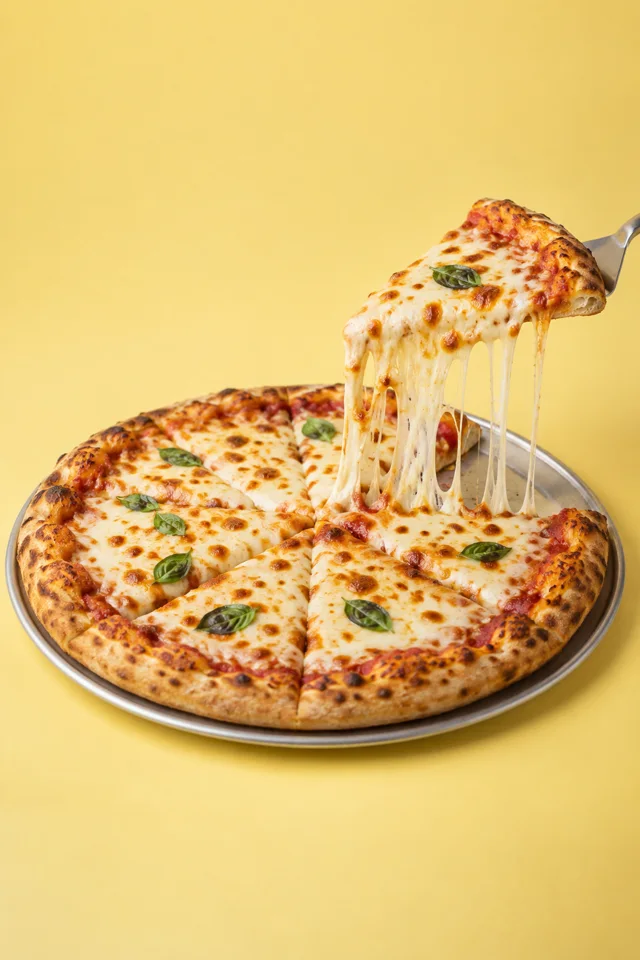
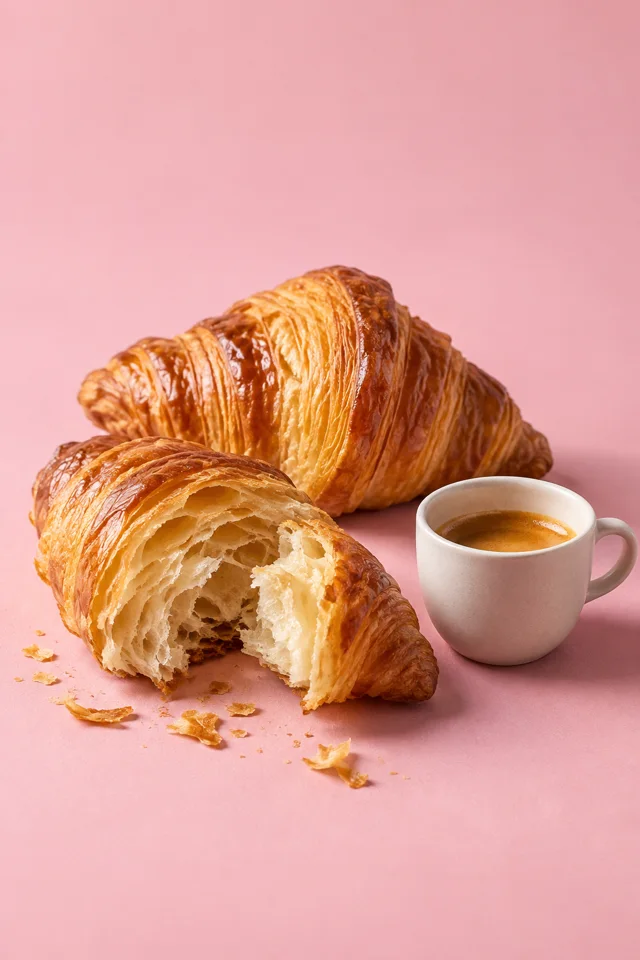
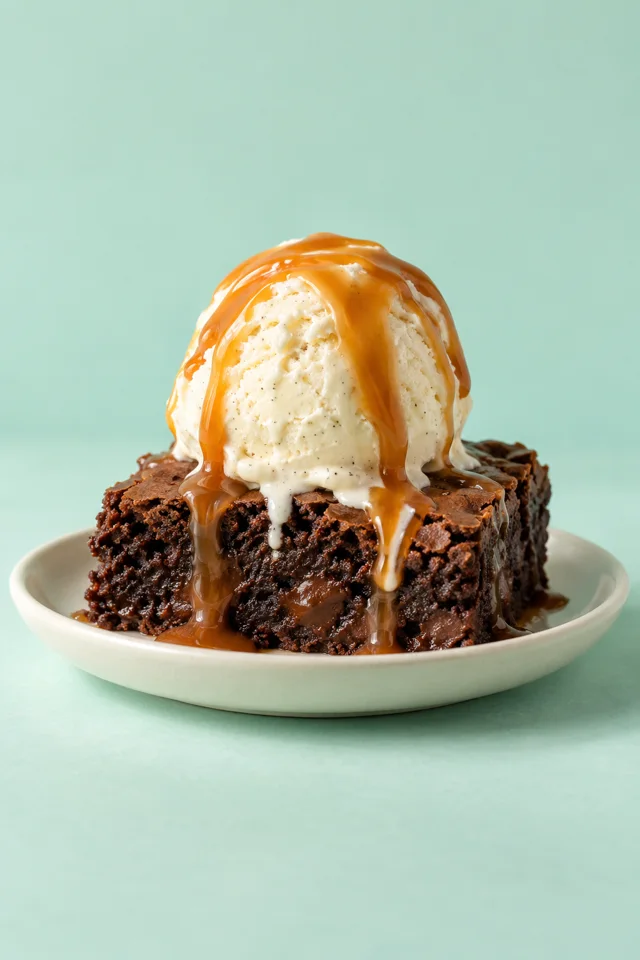
A product on a colored background, a studio-style dish, a mood image for a campaign or a background for a sale. Describe it and REDA creates an image that looks like a professional shot.
Say what is in the picture, the photo style, background and colors, and where it will be used. For example: pizza with a cheese pull, studio shot, yellow background, for an Instagram post.
Every request returns a new image. Ask for a different color, angle, light or style and compare versions until it is right.
Love the image? Turn it into an AI video with camera motion, or attach it to a post with a caption for each network and publish or schedule it to Facebook, Instagram, TikTok and YouTube.
What you want, the style and colors.
Ask for more directions and pick a favorite.
Attach it to a post, publish or schedule.
No. Describe what you want in plain words. If something is missing, REDA will ask.
Yes. Every request returns a new image, and you can ask for changes until it fits.
Yes. Upload your photos, turn them into a video or attach them to a post.
To supported Facebook, Instagram, TikTok, YouTube and Threads accounts, now or scheduled.